

MSI Modern 14S AI+以俐落設計與強勁效能,讓工作流程更加流暢。採用精緻輕巧的鋁合金機身設計,僅有1.4kg起輕巧重量,是專為高移動需求的學生與專業人士打造的極致纖薄商務筆電。Modern 14S AI+重新定義高效生產力體驗,帶來快速靈敏的多工處理效能,以及穩定持續的運作表現。兼具效能與時尚外型,Modern 14S AI+都能讓你隨時隨地提升日常工作效率。

Intel® Core™ Ultra 7 系列3處理器

Copilot+ PCs are the fastest, most Intelligent and secure Windows PCs ever
Unlock efficiency and Innovation With Copilot+ PCs
Windows 11 Pro
Windows 11 Home
(MSI 推薦商務用 Windows 11 專業版)
最高搭載
Intel® Core™ Ultra 7
處理器 355
生動OLED面板
低藍光護眼 無閃頻設計
纖薄 & 輕巧
鋁合金機身設計
全能觸控板
更便利、直覺的操控體驗
續航力最高達20 hrs
提供全天不間斷生產力

時尚俐落 酷炫有型
為現代風格而生的全新大膽設計
Modern系列採用精緻的金屬機身,以流暢的曲線設計形塑出觸感自然的機身線條。圓潤邊緣與平滑邊角無縫銜接,勾勒出簡潔俐落的一體成型輪廓,讓靈感與工作力都能流暢延續。
更多照片


踏入AI世代
最高搭載 Intel® Core™ Ultra 7 處理器,輕鬆應對各種高強度運算需求。最新內建的NPU支援更高的工作負載,是長時間、中度負載AI應用的最佳選擇。隨時隨地享受穩定強大的效能,全面提升你的生產力。
-
最高達
8 核心 -
最高達
49 NPU TOPS -
最高達
4.7 GHz效能核心最大渦輪頻率


隨身攜帶
極致纖薄的機身設計,Modern 14S AI+兼具出色行動力與時尚外型,滿足隨行使用需求。長效續航讓你更專注投入工作,並支援USB-C PD充電,無論身在何處都能快速高效補充電力。
-
極致輕巧
< 1.4kg
-
電池續航力
20hrs
*規格可能因產品型號而有不同
*電池續航力以使用1080p影音播放場景測試,測試規格:Modern 14S AI+ G3M / Intel® Core™ Ultra 7處理器356H / FHD+ 120Hz VRR Display / 512GB SSD / 8GB*2 RAM / 150 cd/m²亮度等級設定/ Disable Location Services / 喇叭音量 15% / Disable keyboard lighting / Disable Wi-Fi / Eco-Silent mode。電池續航力因規格和系統配置不同而有所差異。

極致視覺體驗
透過鮮豔亮麗的OLED面板,盡情將你的精彩創作視覺化。高對比色彩呈現更深邃的黑色與更明亮的白色,使影片和圖片栩栩如生。


*此規格為選配,實際規格可能因型號而有不同。
低藍光護眼 無閃頻設計
舒適視覺體驗
通過SGS低藍光與不閃屏技術認證,能維持眼睛舒適,助你長時間專注而不易疲勞。

更寬闊的工作視野
16:10螢幕比例帶來更寬廣的工作空間,即使長時間使用也能享有舒適的視覺體驗。
透過HDMI™和USB Type-C連接埠,用戶能輕鬆以多螢幕輸出(1+3) ,讓多工處理更加流暢,有效提升工作效率。


Stunning Visuals

Launch Calculator


Launch MSI Center S


Video Timeline ±5s


Last/Next page


Volume ±


Brightness ±


便捷操作
觸手可及
Launch Calculator
Launch MSI Center S
Video Timeline ±5s
Last/Next page
Volume ±
Brightness ±
全能觸控板

Modern 14S AI+搭配加大17%面積的觸控板,提供更寬敞的操作空間,讓滑動、捲動與點擊更加流暢自如。
內建全能觸控板功能,透過直覺手勢即可快速調整螢幕亮度、音量大小,或控制影片播放進度,讓日常操作更加便利高效。
防汙設計鍵盤
防指紋表面設計能減少指紋與污漬殘留,讓鍵盤維持潔淨如新,日常使用更舒適自在。
真實安全防護

透過Windows Hello臉部辨識即可快速登入系統,享受更簡單且安全的使用體驗。內建實體視訊鏡頭蓋開關,可隨時關閉鏡頭,確保隱私與使用安全。


螢幕畫面翻轉
180度攤平與螢幕畫面翻轉功能可讓你輕鬆分享螢幕,打造更高效率的工作空間。


極致酷冷 悄然運作 效能全開
升級散熱設計可在平衡模式下將噪音控制於30dBA,同時維持穩定溫度與持續效能表現。
*實際音量可能因使用情境不同而有不同。





潔淨如新,效能如一
智慧除塵功能透過定期反向運轉風扇,有效排出灰塵與微粒,維持系統最佳運作狀態。此智慧技術可保持內部元件潔淨與運作效率,確保穩定效能並延長整體使用壽命。

螢幕上的智慧助手
讓Copilot查看你的螢幕畫面,即可獲得即時協助。無論是摘要內容、即時翻譯,或規劃下一步工作,讓處理各種任務更加輕鬆高效。

*Copilot Vision on Windows功能目前正於美國地區陸續推出。
一鍵重寫讓內容更有意義
Click to Do(預覽版)可立即對文字執行操作,只要選取即能瞬間處理文字。

* Image actions功能現已支援跨裝置使用。支援特定字元集的Text actions將自2025年中起,於搭載AMD Ryzen與Intel®處理器的裝置上提供。實際功能可能因裝置與市場而異。Click to Do功能將於2025年稍晚於歐洲經濟區推出。詳情請參閱aka.ms/copilotpluspcs。
Cocreator + 你=藝術進化
過度思考抹殺創意,靈感與即興發揮才能激發創造力。讓Cocreator點燃你的創意火花。

* 針對英文文字提示進行優化,需要Microsoft 帳戶和網際網路連線,以存取協助確保負責任使用AI的雲端服務。請參閱 aka.ms/copilotpluspcs。
瞬間找回所需內容
作業?食譜?YouTube 影片?飛回過去,立即找回你在電腦上瀏覽過的內容。只要提供一點線索,回顧(預覽版)就能在幾秒鐘內幫你找回過去在筆電上使用的內容。

* 需使用Windows Hello增強型登入安全性。將於2025年稍晚於歐洲經濟區推出,針對指定語言 (英文、簡體中文、法文、德文、日文與西班牙文)進行優化。適用內容與儲存限制。請參閱aka.ms/copilotpluspc。
透過描述精準找到你想要的檔案。
不必再大海撈針—只要輸入你記得的線索,無論是文件、設定或圖片,都可透過檔案總管、Windows搜尋或設定搜尋就能立刻幫你輕鬆找到所需內容。

* 僅適用於特定文字、影像和文件格式;針對特定語言進行優化(英文、簡體中文、法文、德文、日文與西班牙文)。請參閱aka.ms/copilotpluspc。
透過「即時字幕」保持聯繫
即時自動生成準確字幕,讓你不再漏掉任何字句,跟上所有節奏。

* 目前支援從40種以上語言翻譯成英文的影片和音訊字幕。請參閱 aka.ms/copilotpluspcs。

MSI Center S
全新設計的MSI Center S帶來更流暢直覺的操作體驗,整合精簡設定、個人化工具,以及專屬AI專區,提供新世代最佳化效能調整與管理功能。
* 介面與功能可能因版本更新而有所不同。
瞭解更多完整連接埠
Modern 14S AI+提供所有你需要的連接需求,包括 USB-A, USB-C, microSD, Gigabit乙太網路埠與HDMI™ 2.1,能即時連接各種外接設備。

- RJ45
- USB 3.2 Gen1 Type-A
- microSD Card Reader

- Audio combo jack
- USB 3.2 Gen2 Type-C / DisplayPort™ / Power Delivery 3.0
- HDMI™ 2.1 (4K@60Hz)
*系統運作(電源狀態S0)、新式待命睡眠模式(Modern standby低電源閒置) 時支援27W(9V@3A)至100W(20V@5A);休眠模式(電源狀態S4)或關機(電源狀態S5)時支援15W(5V@3A)至100W(20V@5A)。系統效能可能因當下電源狀態而有不同,推薦使用MSI PD充電器。

絕世美聲 完美重現
搭載Hi-Res Audio認證與DTS音效技術,呈現豐富細膩的音質表現。無論是視訊會議或影音娛樂,都能享受更清晰自然、宛如身歷其境的聆聽體驗。

超凡讀寫速度
DDR5記憶體提供更快的讀寫速度,讓Modern系列筆電各方面的效能表現都能更上一層樓。

高效無線體驗
Wi-Fi 6E帶來疾速無線連線體驗,同時維持穩定流暢的網路效能。無論是串流高畫質影音,或傳輸大型檔案,都能享受快速順暢的使用體驗。

高品質與安全性
為追求極致完美,MSI筆記型電腦通過各類嚴苛環境的試驗,擁有高品質的穩定性與耐用度,MSI永遠追求世界領先的專業技術!


MSI透過更加永續性的生產與製造鏈管理,致力於綠色未來的願景。我們遵循的倡議包括能源之星、FSC™森林認證,落實對於保護地球的承諾,並為消費者提供最好的產品。
*本產品包裝材料來自於FSC™認證及其他管制材料,選擇本產品的同時,你也在為保護全球森林貢獻一份心力。了解更多:www.fsc.org







FAQs
什麼是Modern系列?What is the Modern Series?
Modern系列專為追求時尚設計與日常效率完美平衡的使用者打造。這款極致便攜筆記型電腦採用俐落輕巧的設計,能自然融入你的生活節奏,讓你無論身在何處,都能隨時保持高效生產力與專業風格。
Modern 14S AI+適合哪些族群?
- 高移動需求商務工作者
專為經常外出工作的專業人士打造,僅1.4kg的輕巧機身搭配面積加大17%的觸控板,帶來更精準流暢的操作體驗。最長20小時電池續航與USB-C PD快速充電設計,讓你無論身在何處都能保持高效生產力。 - 學生族群
適合追求時尚外型與輕巧機身的學生使用者,輕鬆融入校園生活。14吋OLED面板提供出色視覺體驗,無論是查找資料、完成作業或觀看串流內容都能保持高效率,搭配全能觸控板帶來更流暢的操作與多工體驗。 - 品味生活愛好者
專為重視設計美學與輕薄質感的使用者打造。100% DCI-P3 OLED面板帶來鮮豔細膩的畫面表現,無論瀏覽網頁或欣賞高畫質影音內容都更加沉浸。搭配低藍光與不閃屏技術,長時間使用依然舒適自在。
Modern 14S AI+適合哪些使用情境?
- 行動差旅
僅1.4kg的輕巧機身與11.1~17.9mm纖薄設計,搭配最長20小時電池續航,無論是長途移動或出差旅程,都能提供穩定可靠的生產力表現。 - 團隊協作與提案分享
配備180°平躺轉軸與100% DCI-P3 OLED面板,方便與團隊成員或客戶分享畫面內容,呈現精準色彩與清晰細節,提升溝通效率。 - 質感生活娛樂中心
採用高質感鋁合金機身設計,搭配具備低藍光與不閃屏技術的OLED面板,帶來舒適出色的視覺體驗。結合DTS音效技術與Hi-Res Audio認證,無論瀏覽社群媒體或觀賞高畫質影音內容,都能享受更沉浸的娛樂體驗。
Modern 14S AI+有什麼特別之處?
- Windows 11 Home / Windows 11 Pro (MSI 推薦商務用 Windows 11 專業版)
- Copilot+ PC|結合AI運算的全新混合式筆電體驗,帶來更智慧的生產力表現
- 精緻鋁合金機身|僅1.4kg、11.1~17.9mm纖薄設計,提供極致行動力與專業質感
- 全天候電池續航|搭載60Whr大容量電池,最長可達20小時續航,專注不中斷
- USB-C PD快速充電|30分鐘即可充至50%電力,隨時保持連線與工作效率
- 驚豔16:10 OLED面板|100% DCI-P3廣色域,搭配低藍光與不閃屏技術,呈現專業級色彩精準度與舒適視覺體驗
- 多螢幕輸出功能|支援三螢幕工作配置,大幅提升多工處理效率
- 強化全能觸控板|可即時調整螢幕亮度、音量、播放控制,並支援自訂功能,操作更直覺流暢
- 180°攤平設計|搭配螢幕畫面翻轉設計,方便快速分享畫面,提升團隊協作效率
為什麼要選擇Modern 14S AI+?
Modern 14S AI+僅1.4kg,採用精緻鋁合金機身打造,輕薄設計專為行動生活而生。搭載14吋OLED面板與全能觸控板直覺操作觸控板,帶來流暢操控體驗與高效多工能力,在日常工作中完美結合時尚設計與生產力表現。
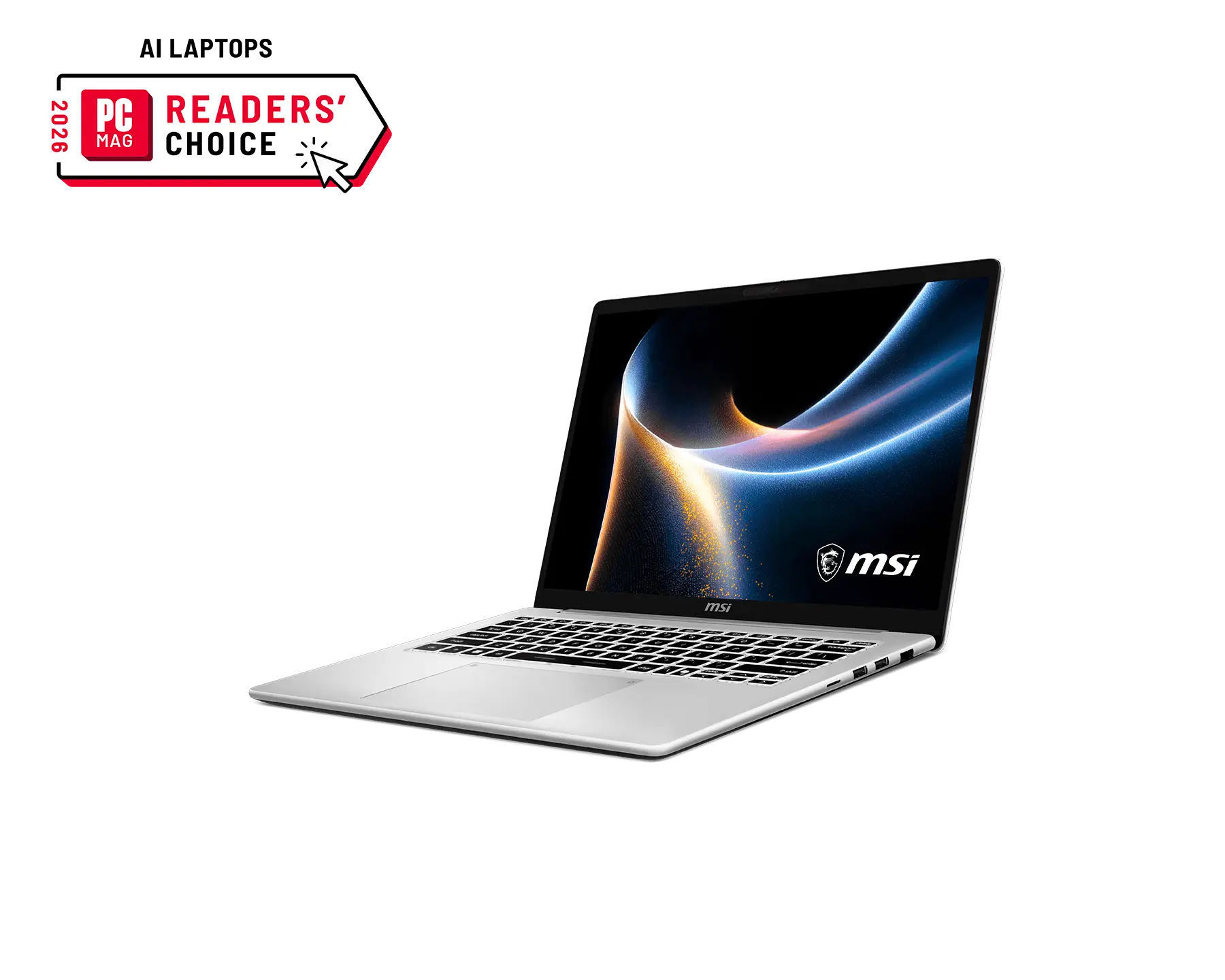
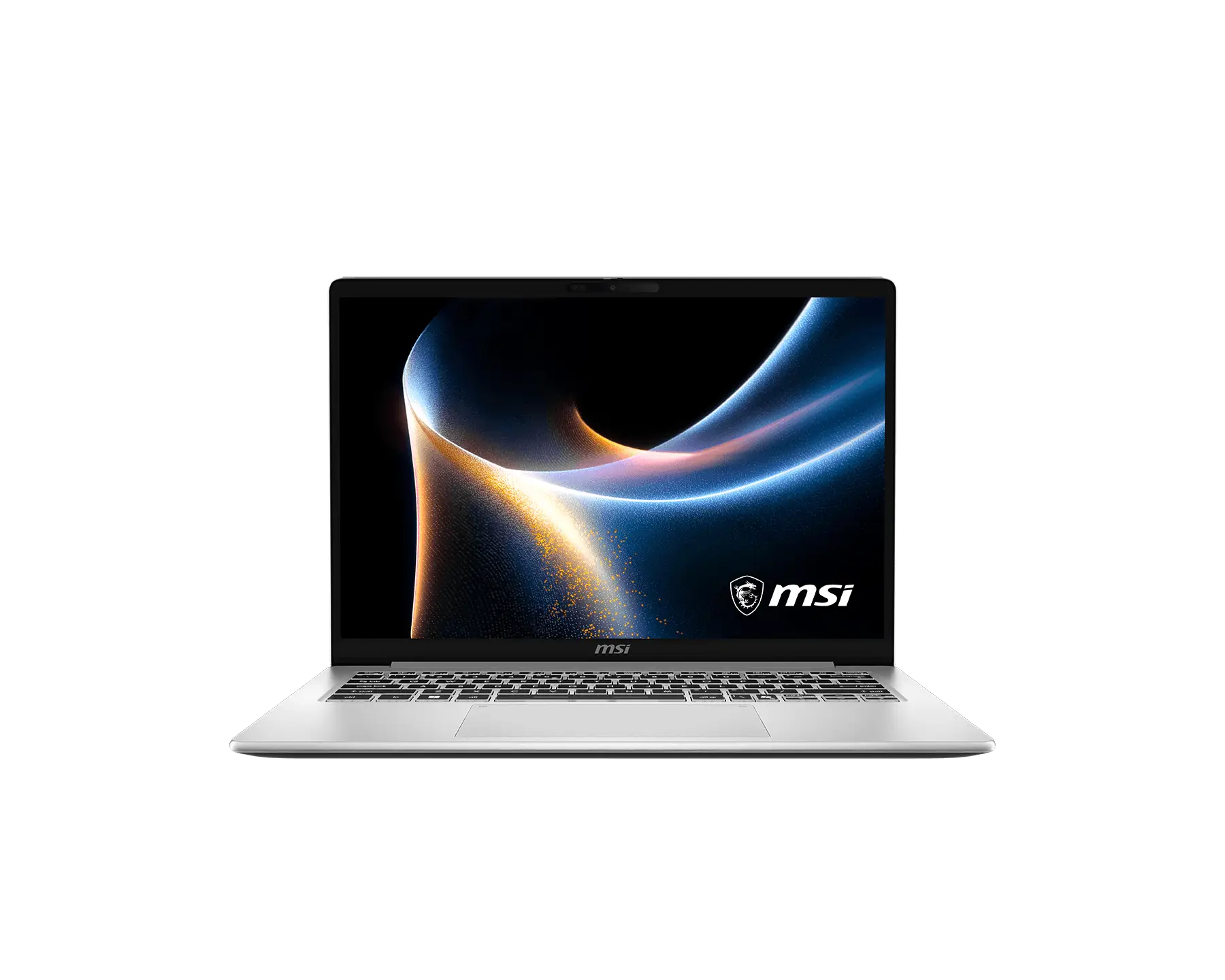
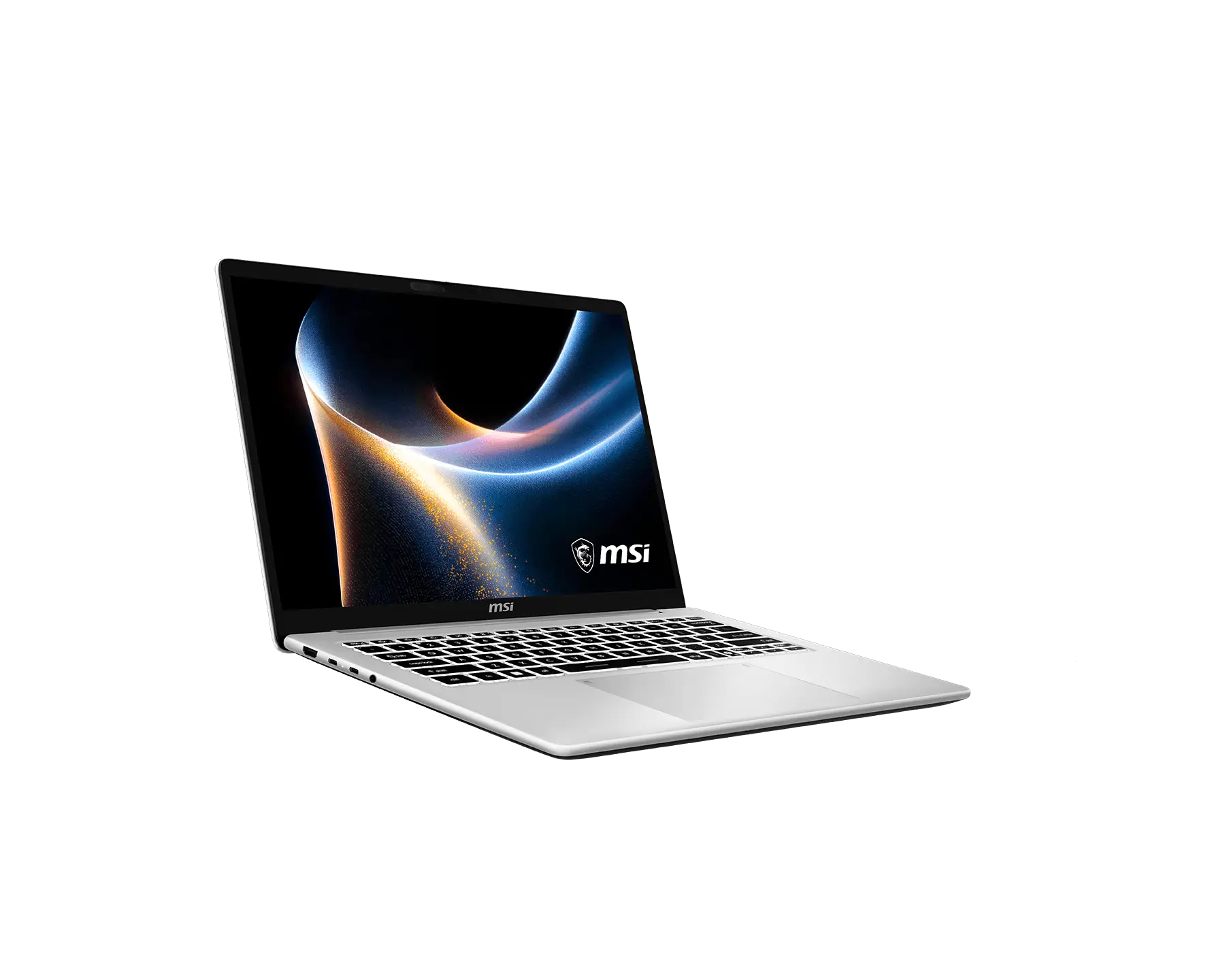
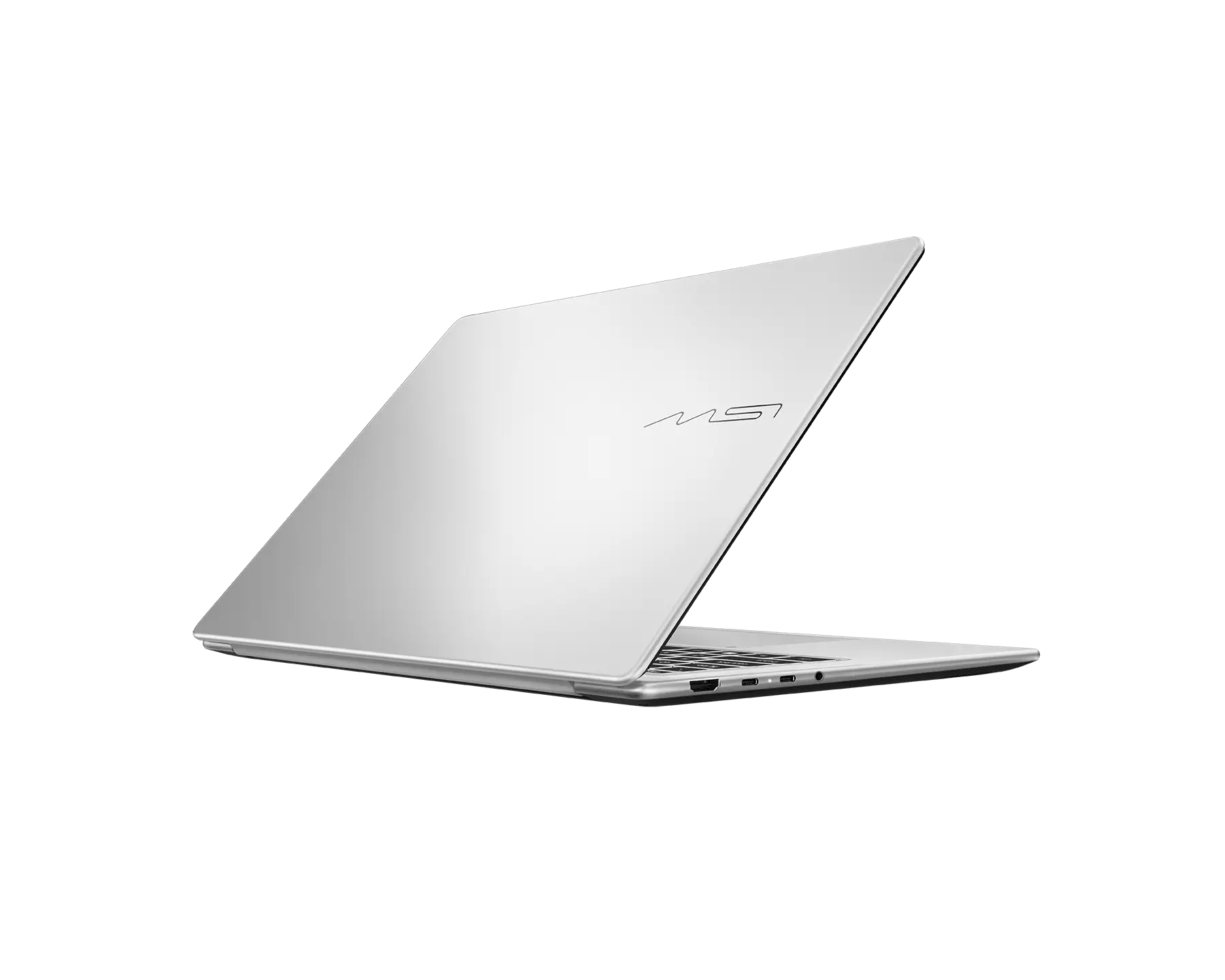
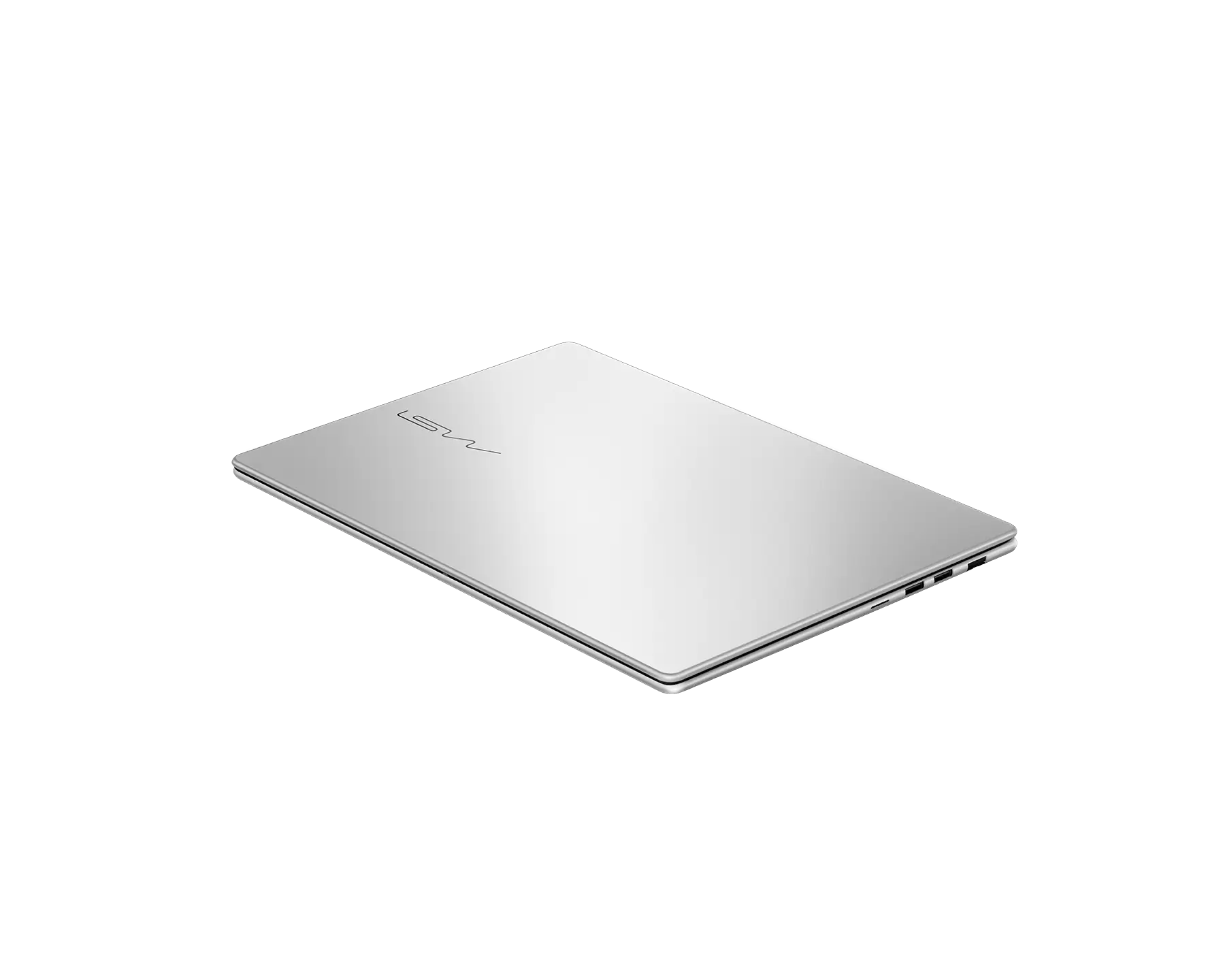
Modern 14S AI+ G3M
Copilot+ PC
- 最高搭載 Intel® Core™ Ultra 7 處理器 355
- Windows 11 Home / Windows 11 Pro
(MSI 推薦商務用 Windows 11 專業版) - Intel® Graphics
- 14吋FHD+ (1920 x 1200), OLED, 16:10, 100% DCI-P3 (Typical)廣色域, 通過SGS認證的低藍光與不閃屏技術
- 14吋FHD+ (1920 x 1200), 16:10, 48-120Hz更新率, 支援VRR, IPS等級面板, 通過SGS認證的低藍光與不閃屏技術
- 纖薄設計11.1~17.9mm, 極致輕巧 1.4kg
(筆電最薄處僅11.1mm,產品重量可能因規格而有不同) - 透過全能觸控板即時調整系統亮度、音量與影片播放控制,並能自訂常用功能,操作更直覺便利
- 180° 攤平及畫面翻轉功能
- 支援USB-C PD快速充電
- 透過USB-C與HDMI™實現最多3額外螢幕輸出
- 支援Wi-Fi 6E
- 獨家微星AI智慧引擎針對使用情境自動切換最佳效能模式
- *規格可能因產品型號而有不同,購買前請先確認規格表之產品詳細資訊。
您可能會喜歡
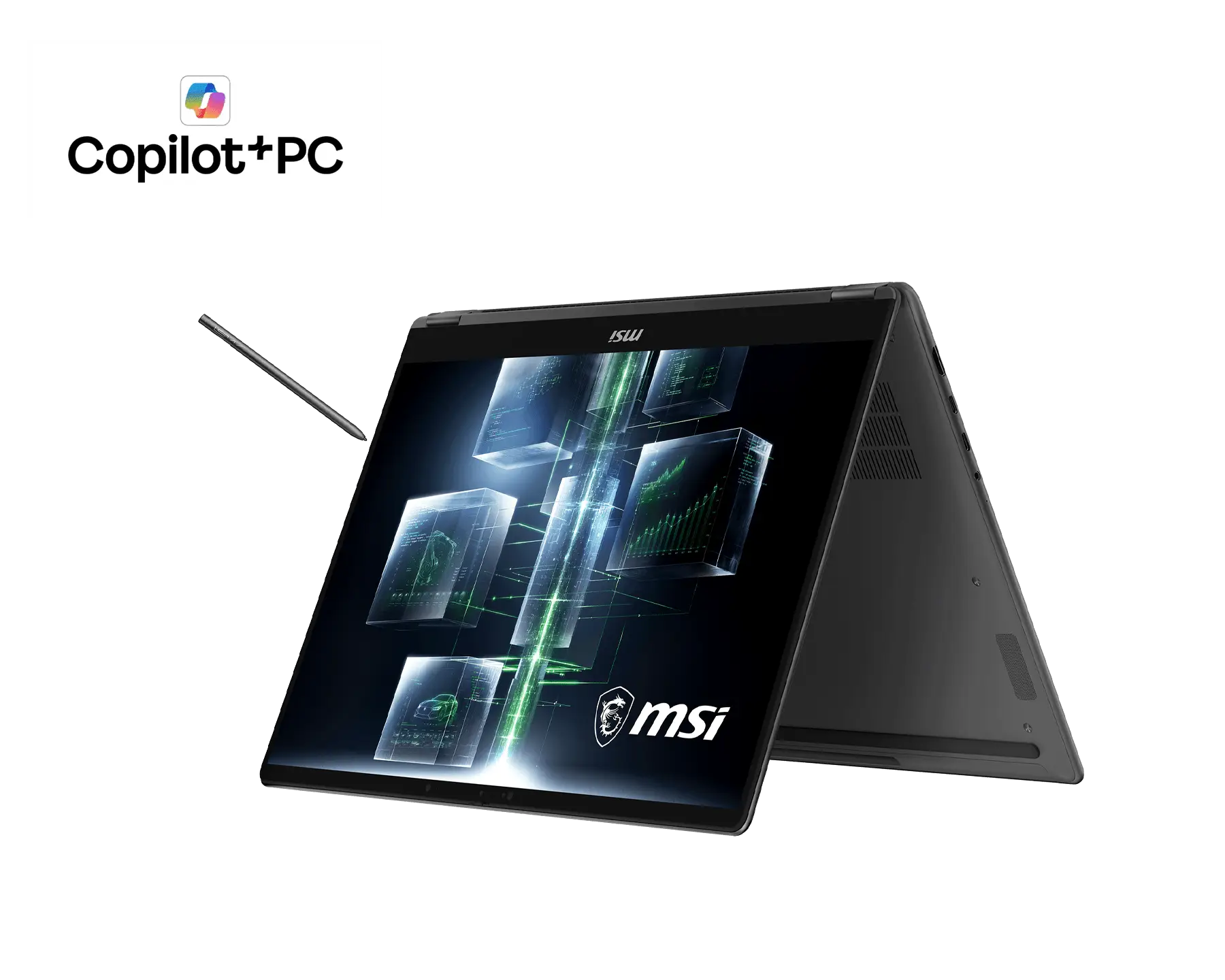
Prestige N16 Flip AI+ C1XM
Copilot+ PC
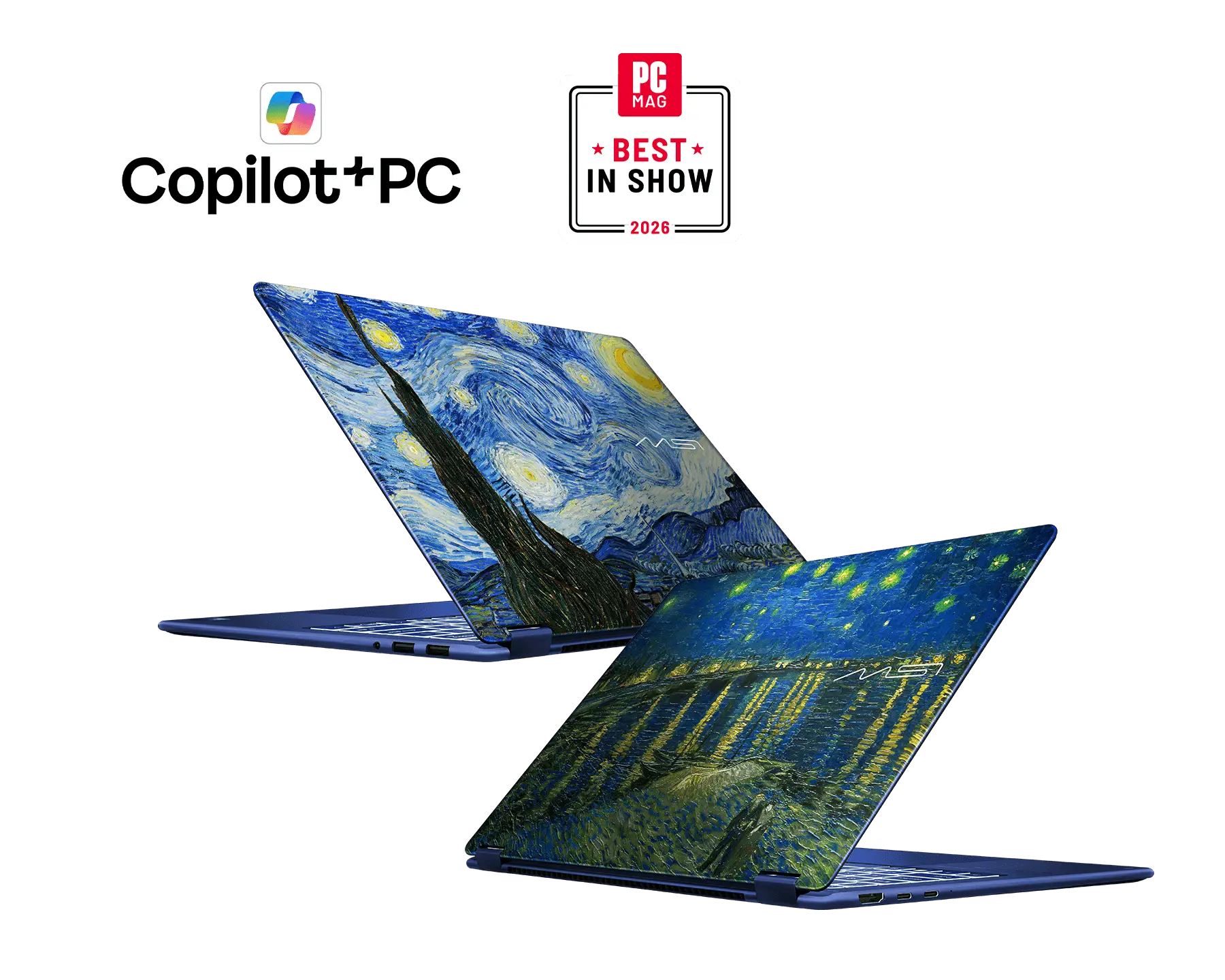
Prestige 14 Flip AI+ Vincent van Gogh Edition D3M
Copilot+ PC
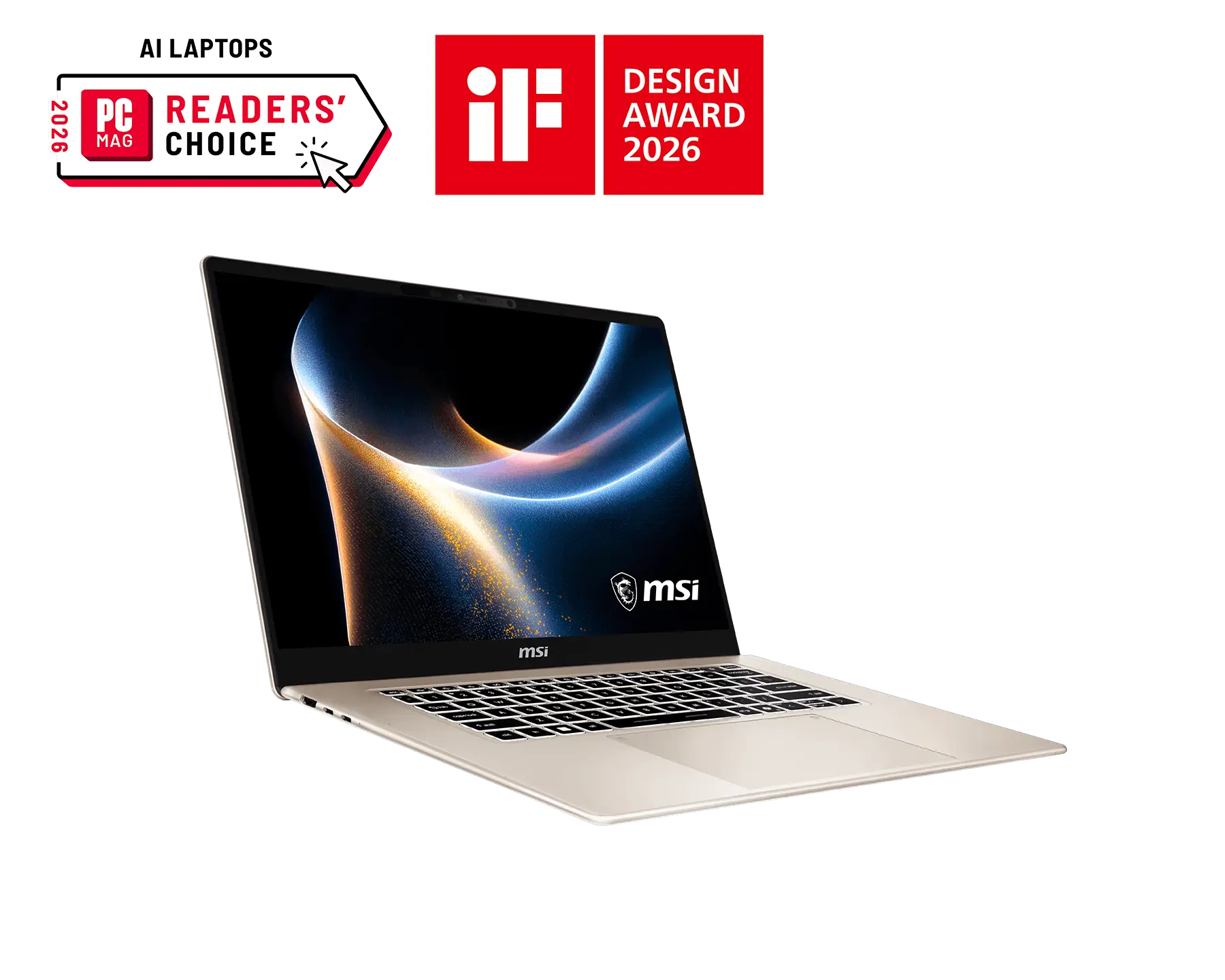
Prestige 16 AI+ C3M
Copilot+ PC
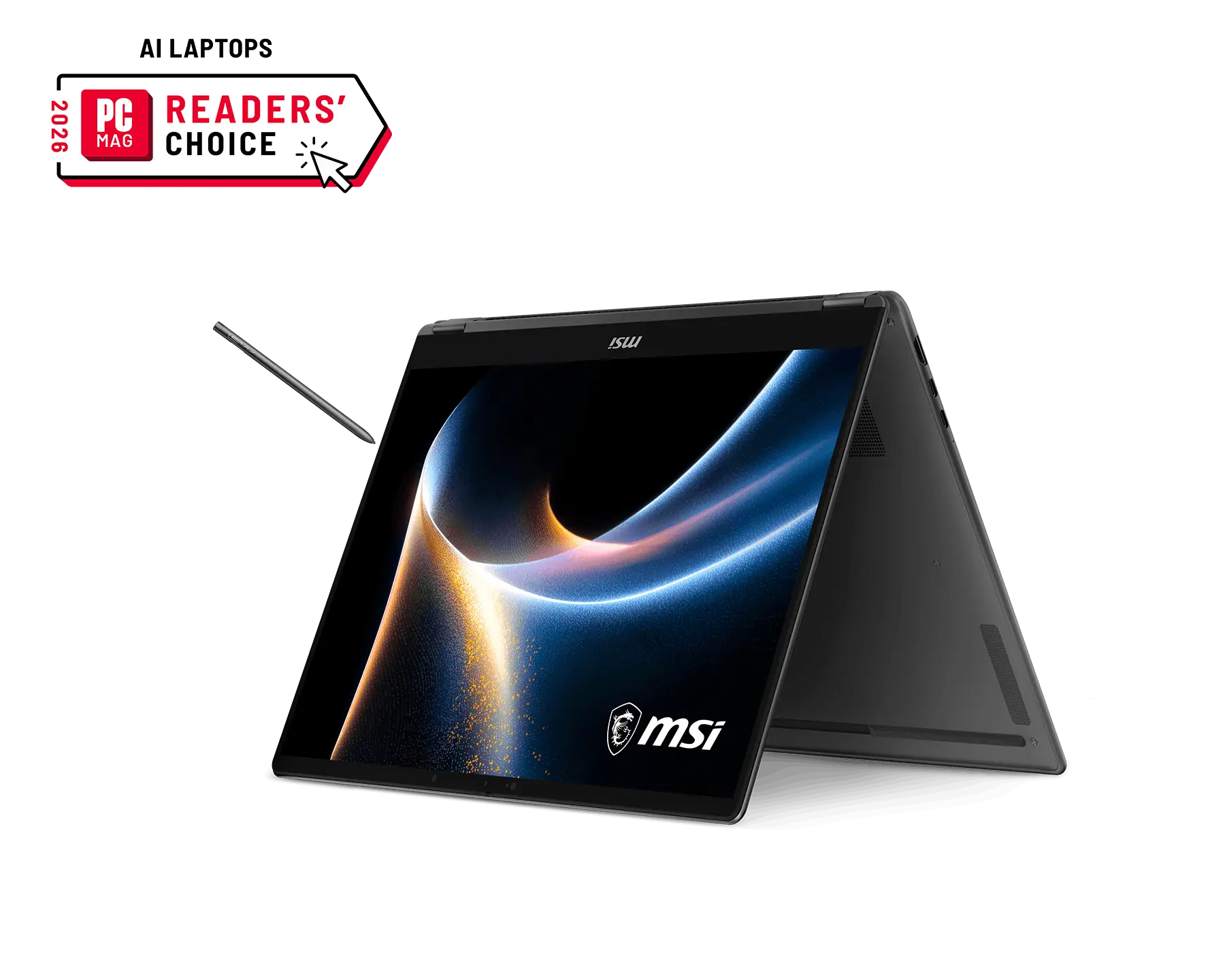
Prestige 16 Flip AI+ C3M
Copilot+ PC
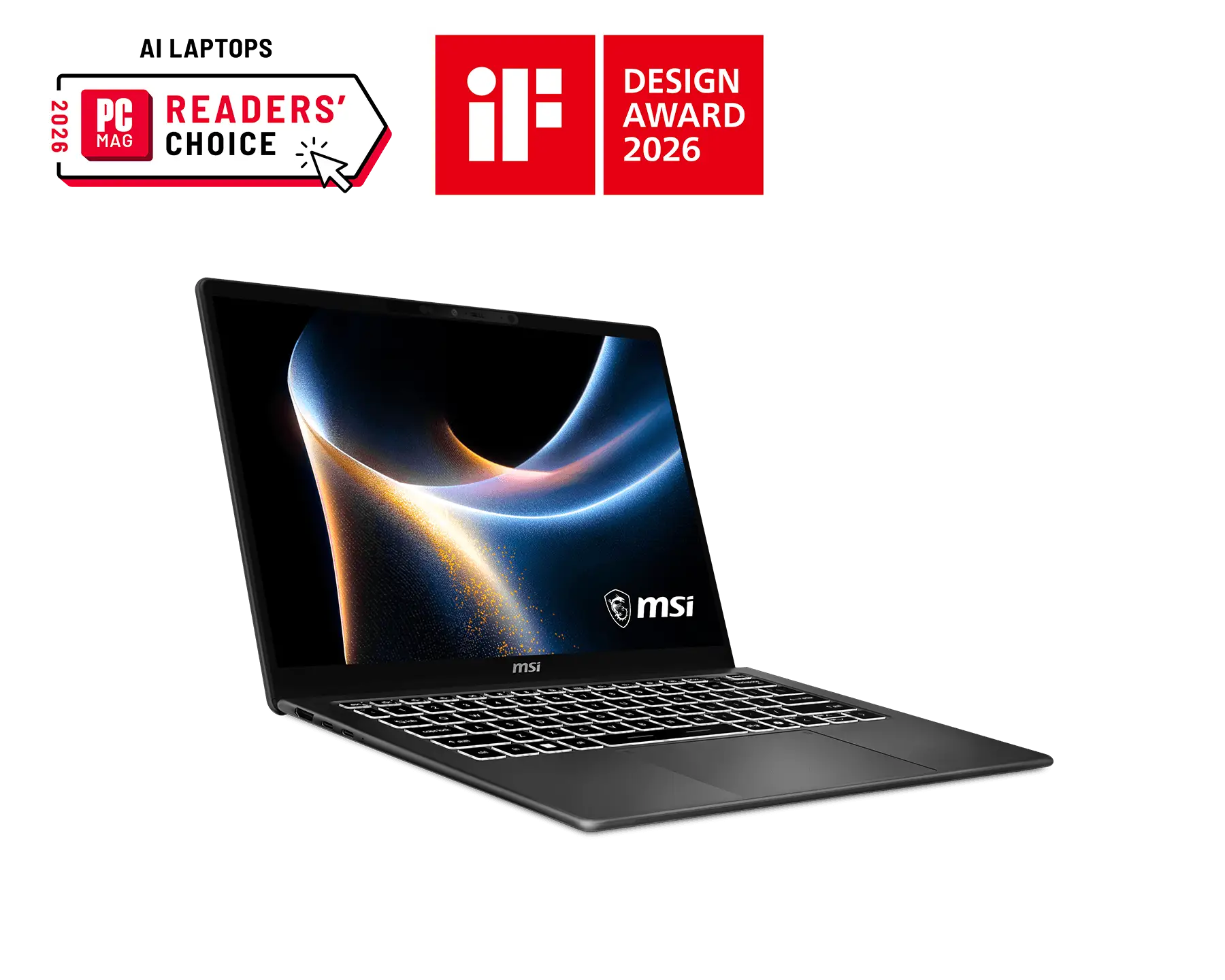
Prestige 14 AI+ D3M
Copilot+ PC
Modern 14S AI+ G3M
Copilot+ PC
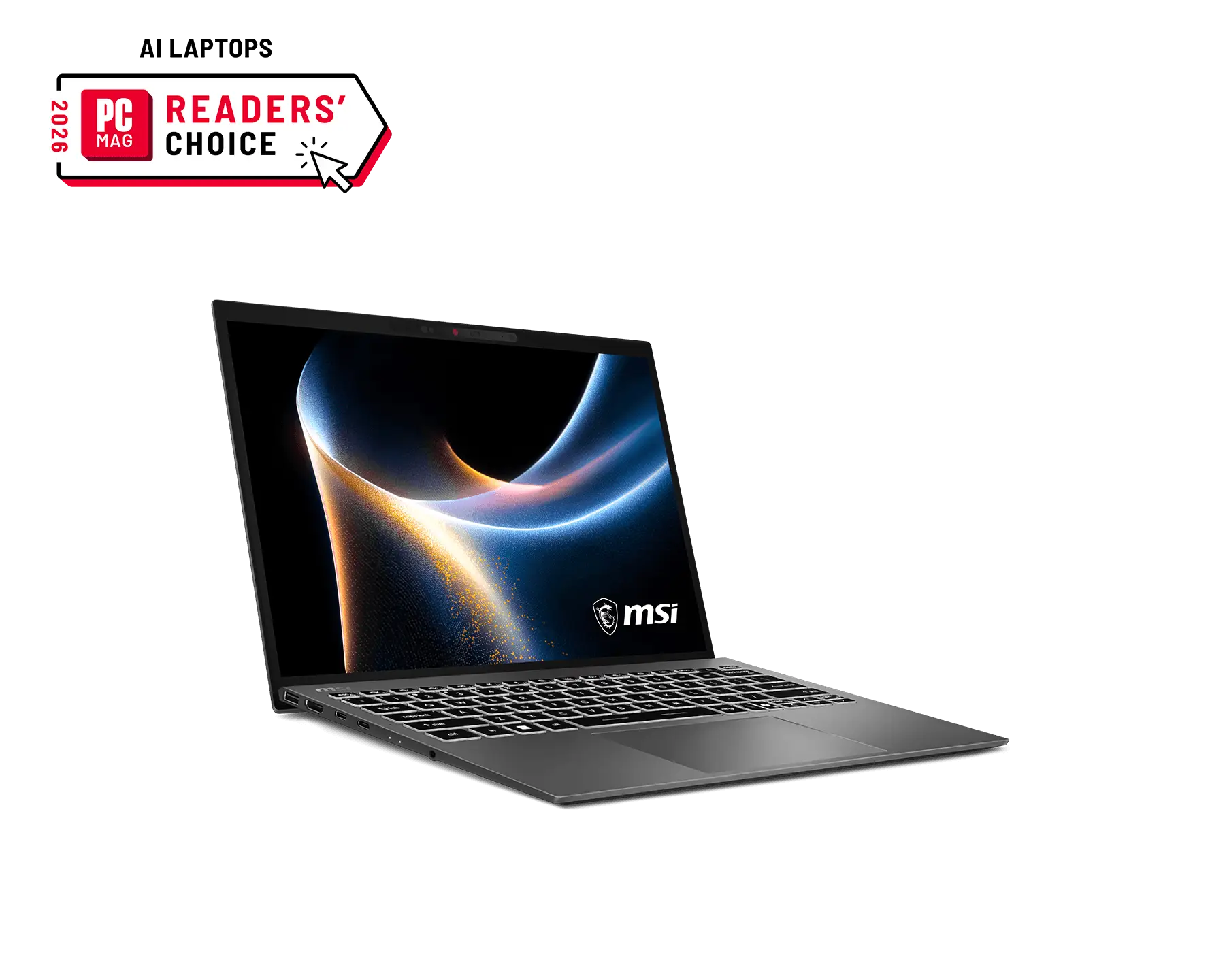
Prestige 13 AI+ A3M
Copilot+ PC
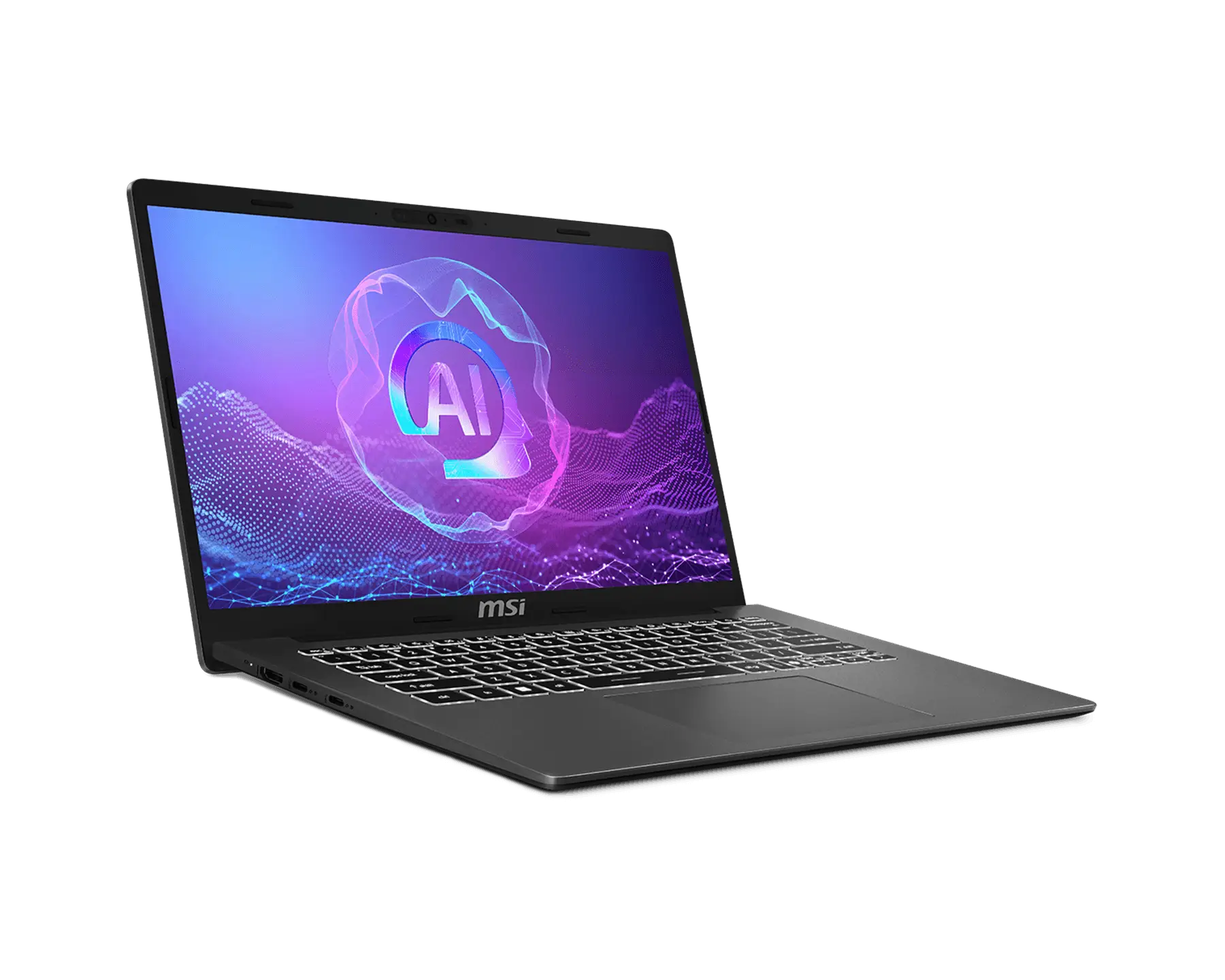
Modern A14 AI+ F3HM
Copilot+ PC
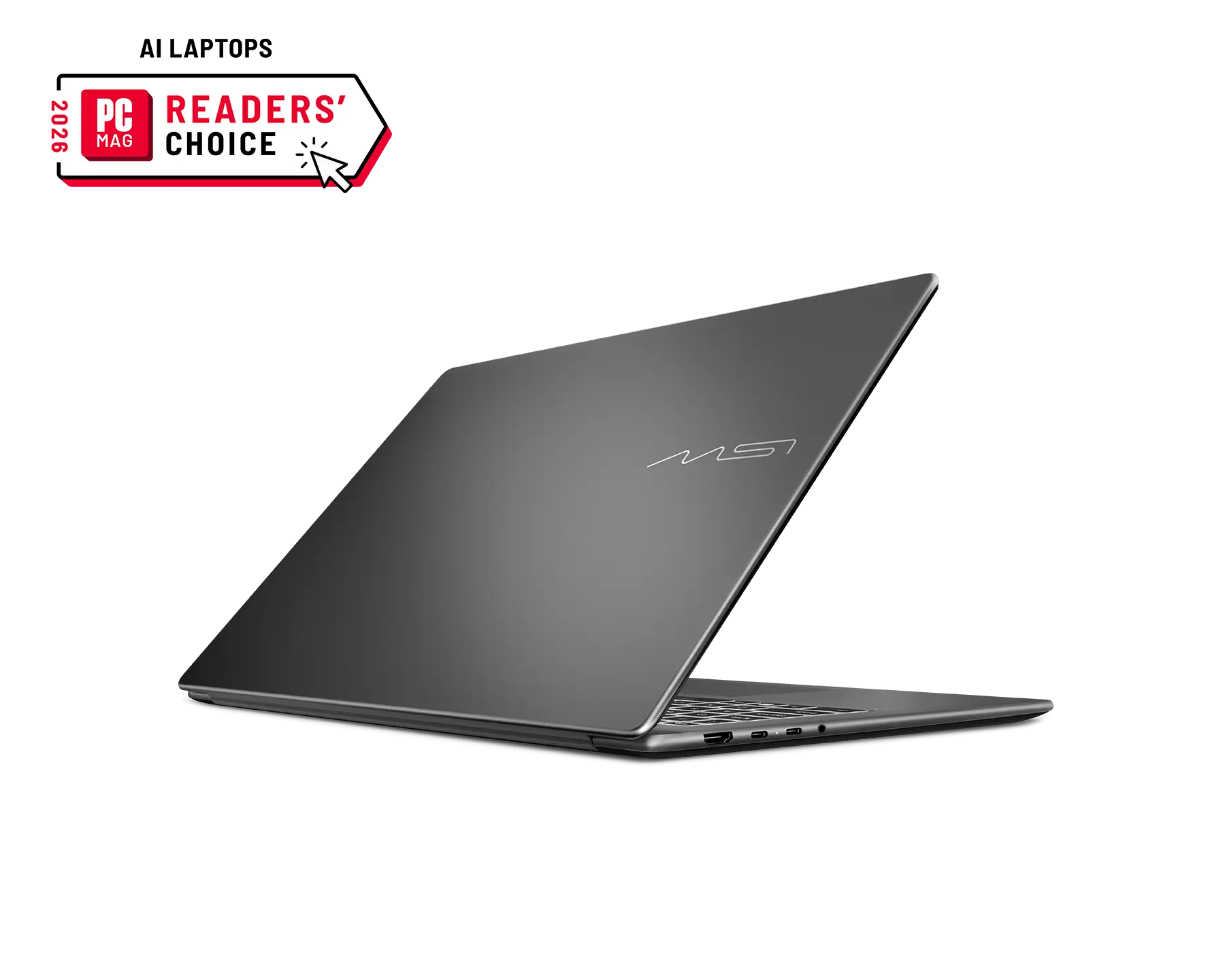
Modern 16S AI+ G3M
Copilot+ PC

For detailed legal information regarding Microsoft® products, please visit this page: Microsoft Information.